

Genome Browser


You can slice the Browser display into different regions, stitched together into a single display, using Multi-region mode. A common use of this mode is to display only the exons of a gene, which is useful when analyzing exon sequencing data. That exon-only view has its own shortcut ("e" then "v"). Enable this mode with the button next to the tracks display search bar.

Feel free to contact us if you are interested in attending a workshop, or meeting someone from the team to collaborate, get help, or ask any questions at the meetings. See our Poster Gallery.
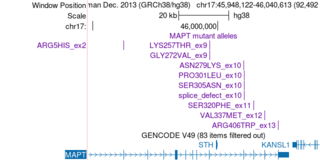
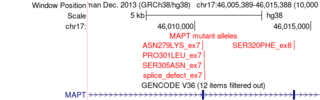
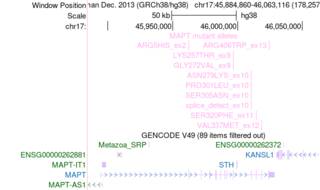
Click the images to explore the latest Public Sessions on our main site.